How to Add an AI Chatbot to Any Website (One Script Tag)
The simplest way to add an AI chatbot to your website. One line of HTML, no framework required. Works with any site that can load a script tag — which is all of them.
How to Add an AI Chatbot to Your Bubble App
Add an AI chatbot to Bubble.io in under 5 minutes using the HTML element. No plugins required, no code beyond a simple paste — perfect for no-code builders who want smart customer support.
How to Add an AI Chatbot to Your Framer Site
Add an AI chatbot to Framer in two minutes. Custom code component, paste the script, publish. Your motion-perfect site just learned how to have a conversation.
How to Add an AI Chatbot to Your GoDaddy Website
A straightforward guide to adding an AI chatbot to your GoDaddy website or online store. Works with GoDaddy Website Builder and GoDaddy WordPress — no tech expertise required.
Add an AI Chatbot to Your Next.js App (App Router & Pages Router)
How to add an AI chatbot to a Next.js application. Works with App Router and Pages Router. Uses next/script for optimal loading — no useEffect hacks required.
How to Add an AI Chatbot to a Notion Site
Yes, you can add a chatbot to a Notion site — even though Notion doesn't want you to. Here's how to make your published Notion pages interactive with an AI assistant.
How to Add an AI Chatbot to Your Squarespace Site
Add an AI chatbot to Squarespace in under 5 minutes. No design skills needed (ironic, given the platform). Paste one code snippet, train the bot on your content, and let it handle the questions.
How to Add an AI Chatbot to Webflow
Step-by-step: add an AI chatbot to your Webflow site with custom code embed. Works on any Webflow plan that supports custom code — including the free plan with a workaround.
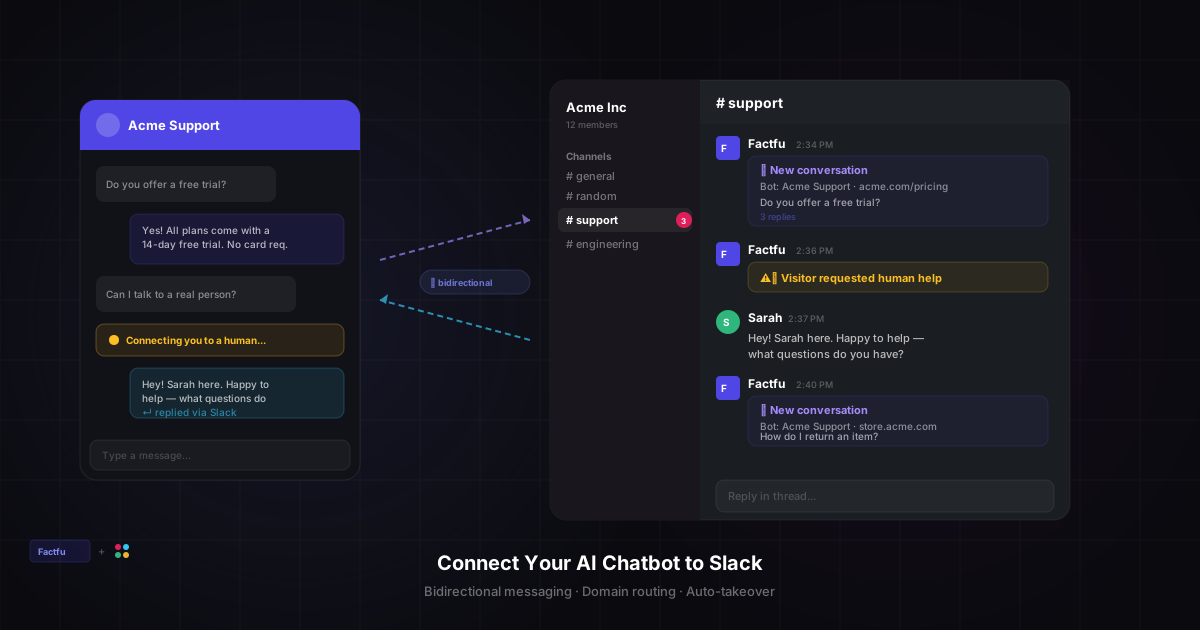
Connect Your AI Chatbot to Slack — Bidirectional Messaging
Set up Factfu's Slack integration in two minutes. Get customer conversations delivered as Slack threads and reply directly from Slack — no tab-switching required.
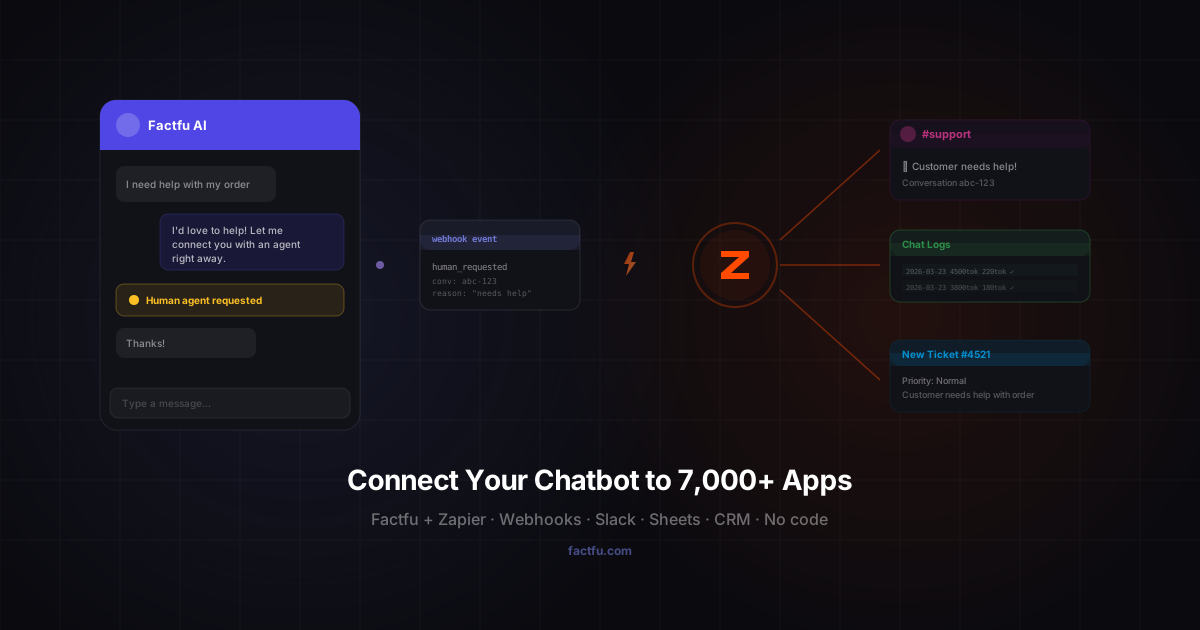
Connect Your AI Chatbot to 7,000+ Apps with Zapier
Set up webhooks between Factfu and Zapier in under five minutes. Get notified in Slack when a customer needs a human, log chat transcripts to Google Sheets, create tickets in Zendesk — all without writing code.
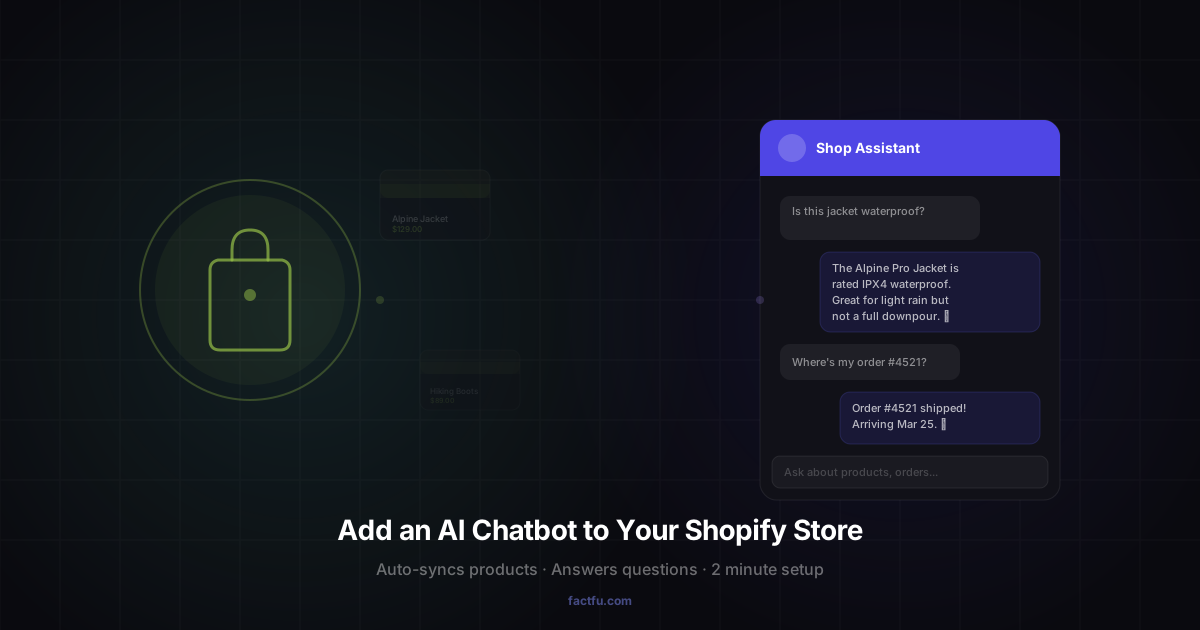
How to Add an AI Chatbot to Your Shopify Store (2026 Guide)
Step-by-step guide to installing the Factfu AI chatbot on Shopify. Auto-syncs your products and pages, answers customer questions 24/7, and sets up in about two minutes.
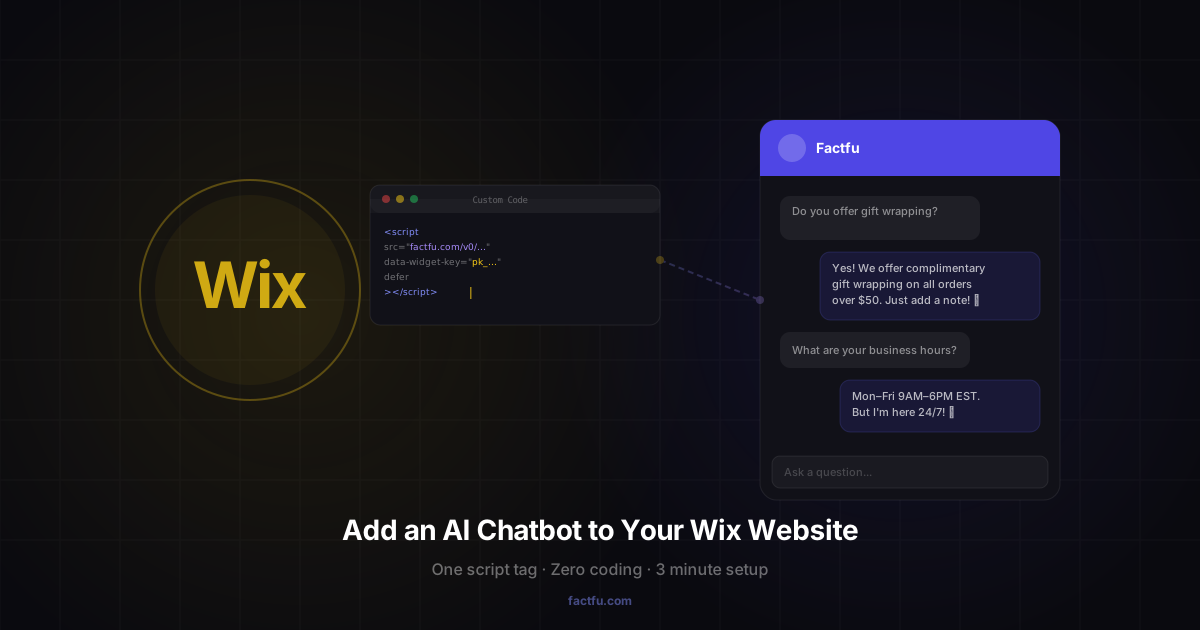
How to Add an AI Chatbot to Your Wix Website
A simple guide to adding the Factfu AI chatbot to any Wix site. No app install required — just paste a script tag in your site settings and you're live.
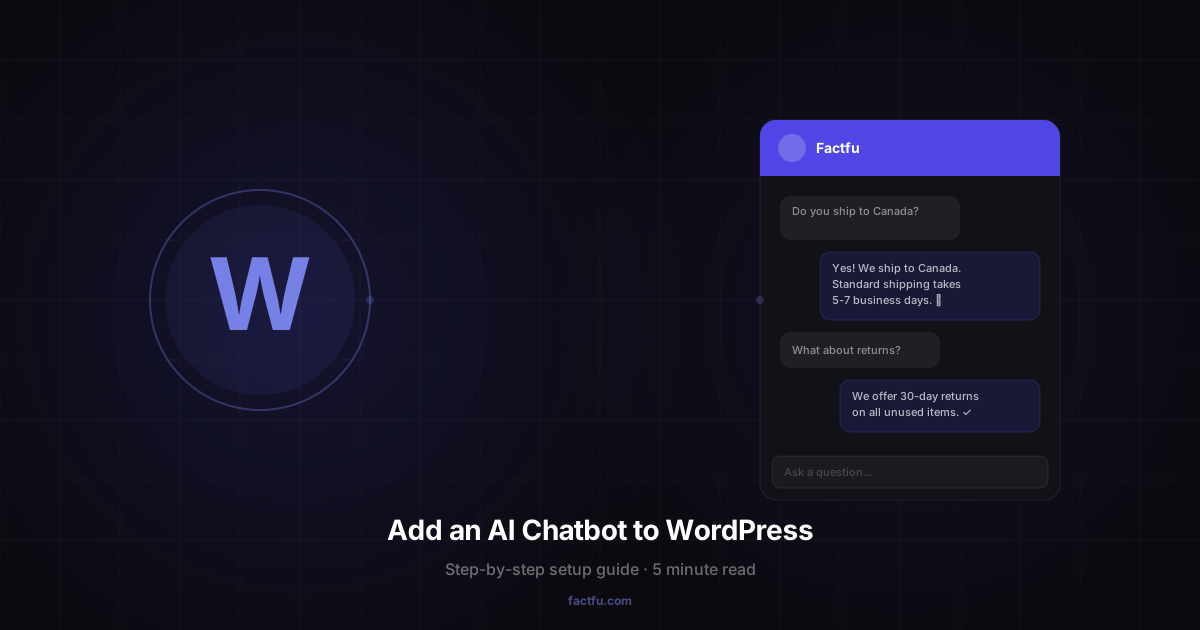
How to Add an AI Chatbot to WordPress (Without Losing Your Mind)
A step-by-step guide to installing and configuring the Factfu AI chatbot plugin on your WordPress site. Five minutes, zero code, and your visitors finally get instant answers.